How it works
Your AI team, explained simply
No jargon. Each idea in plain language, with a concrete example of what it does for you.
The five building blocks
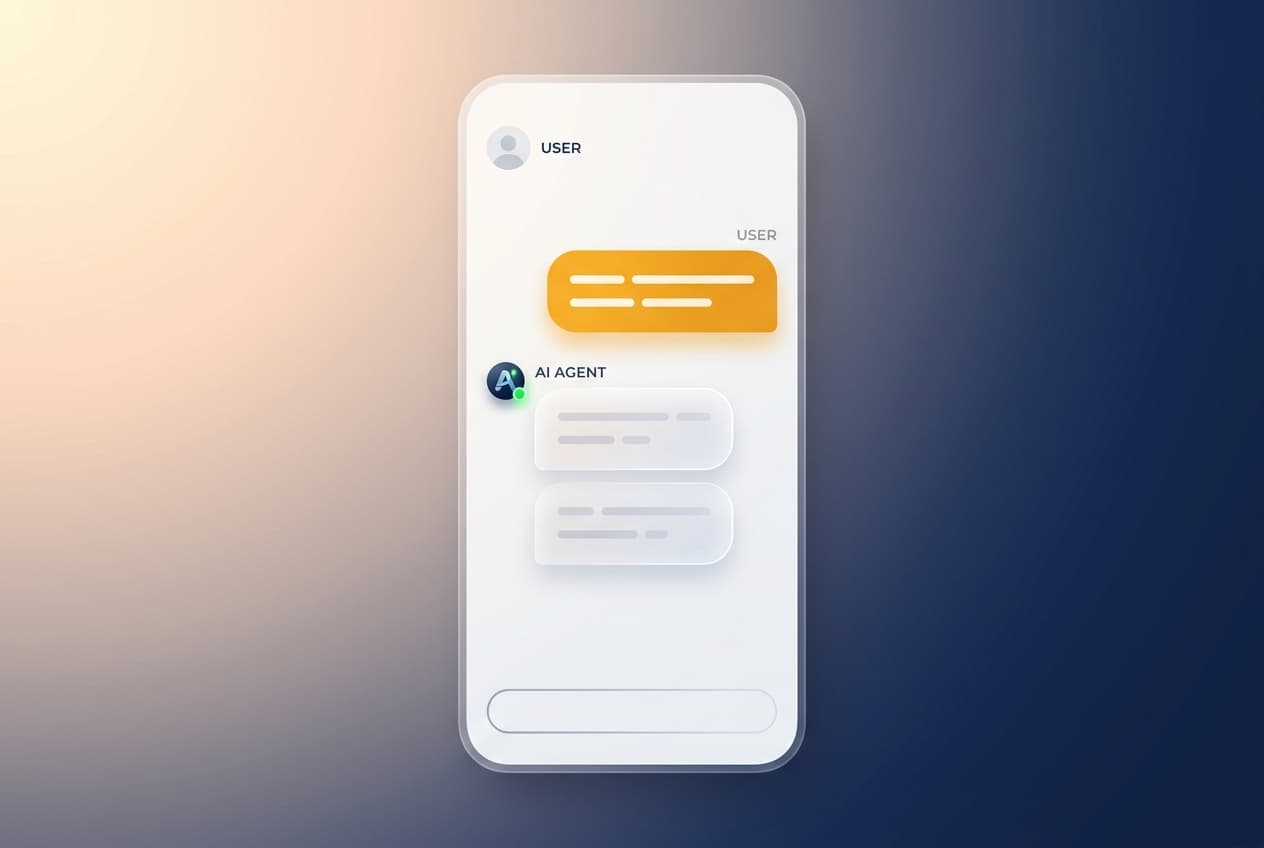
The Bridge — chat instead of the Matrix
Most AI agent tools mean a developer terminal full of code. The Bridge replaces that with a simple chat. You talk to your team in plain language and they get to work.
e.g. "Draft this week’s newsletter and schedule it" — typed in chat, not configured in code.
Wikis — institutional memory
Your team keeps a living memory of how your business works — your voice, your customers, your decisions — and uses it on every task, so you don’t re-explain yourself.
e.g. an agent writing a reply already knows your refund policy and tone.
Skills — the unit of capability
A skill is one thing your team knows how to do, reliably, the same way every time — research, draft, analyze, build. Some skills also reach into the tools you already use, like Gmail, Notion, Slack, Drive or Zapier, so an agent can read and write where your work actually lives. There’s no separate "connect a tool" concept — reaching a tool is simply what a skill can do.
e.g. a "competitor research" skill returns the same structured brief every time; a "send email" skill acts right inside Gmail.
Playbooks — the repeatable method
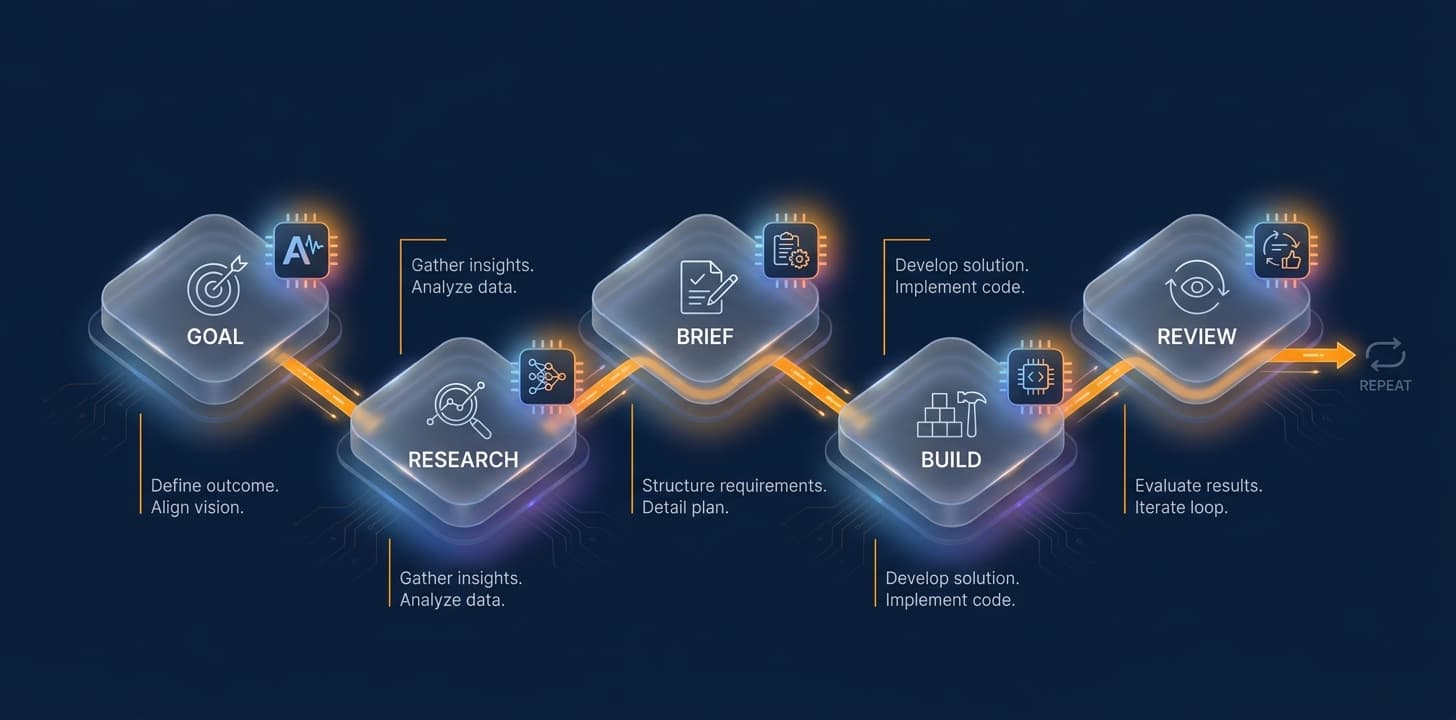
A Playbook is the how-to: the sequence of steps that orchestrates skills toward a goal. It’s how good work becomes repeatable instead of a one-off — the method your team follows every time.
e.g. a "launch a feature" playbook: research → brief → build → review, calling the right skill at each step.
Bundles — how it’s packaged and shared
A Bundle is the shareable unit: a set of skills together with the playbook (or playbooks) that run them. Bundles are how a whole way of working travels — install one and your team gains all its skills and methods at once. Start with the built-in BMAD bundle, or import one others have shared, like G-Stack.
e.g. import the G-Stack bundle and your team instantly has its skills and playbooks ready to use.
How it all comes together
How your team uses skills — automatically
You don’t wire any of this up. As an agent works through a playbook toward your goal, it decides which skill each step needs and triggers it on demand — pulling from the wiki, drafting, sending an email, logging a result — without you connecting anything by hand. You just say what you want in the Bridge; the right skills fire at the right moments.
e.g. you ask for "this week’s newsletter, scheduled" — the agent triggers the research, draft, and schedule skills in turn, all on its own.
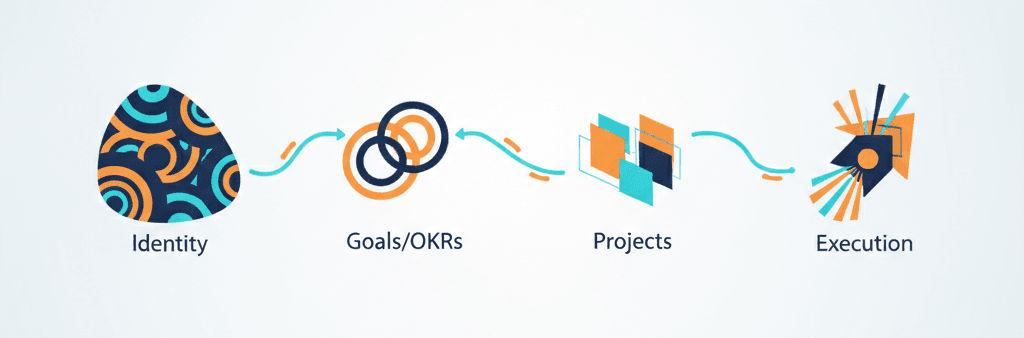
The guided journey — from identity to execution
TeamByAI walks you the whole way: define who you are, set your OKRs and KPIs, choose the projects that reach them, and run them to completion — with your team doing the work.
e.g. identity → OKRs → projects → execution, each step building on the last.
Token optimization — agentic power on your Max plan
Your agents run on your own Claude Max subscription, so you get full agentic capability at a flat rate instead of paying per token like metered platforms.
e.g. as your team takes on more work, your plan stays flat rather than billing per action.